

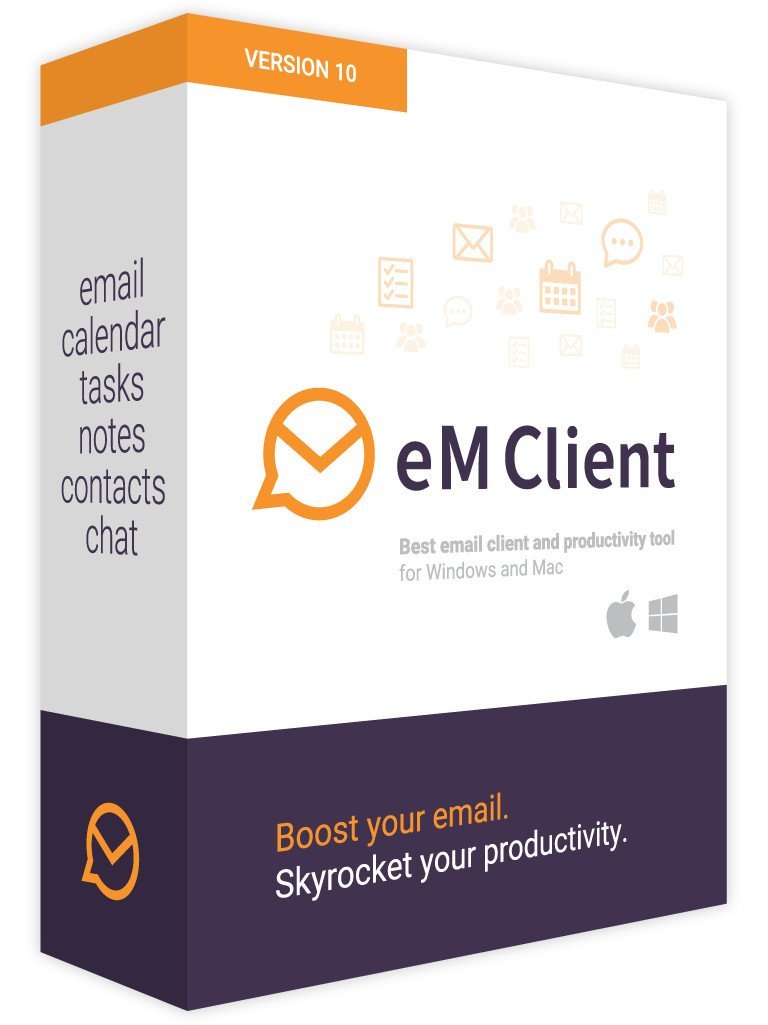
Free Download eM Client Pro 11.0.1725 Multilingual
eM Client is is a desktop email and personal-information manager for people who work with several communication and scheduling tools. Alongside email, it brings calendars, tasks, contacts, notes, and chat into a single interface.
The program suits both home users and office teams who need to follow conversations, arrange meetings, and locate information spread across messages and attachments. Accounts can be configured for services such as Google Workspace, Microsoft 365, Outlook, and Exchange, with import options for other mail clients.
Software Overview
An information sidebar provides access to communication history, attachment history, calendars, agenda entries, and chat while the user works in a mailbox. Search functions locate email content and can also search text within attached documents, including Word, Excel, and PDF files.
For recurring correspondence, eM Client supplies signatures, templates, and reusable QuickTexts. Other features include scheduled follow-up through snoozing and reply tracking, translation and spell-checking, touch gestures, custom themes, and backups that can run while the client remains open.
Key Features
- Manage email, calendars, tasks, contacts, notes, and chat
- Connect Google Workspace, Microsoft 365, Outlook, and Exchange accounts
- Import messages and data from Outlook, Windows Mail, Thunderbird, and other clients
- View correspondence and attachment history in a contextual sidebar
- Search email and the text of Word, Excel, and PDF attachments
- Create signatures, message templates, and reusable QuickTexts
- Snooze messages and track expected replies
- Customize appearance with themes and use automatic backups
eM Client is useful when correspondence, scheduling, and contacts need to be managed together rather than through separate applications. Its import tools and mailbox search functions are particularly practical for moving from another mail client or handling a substantial email archive.
System Requirements
Windows 10 or higher
Home Page
Code:
https://www.emclient.com- Software Name: eM Client
- Version: 11.0.1725
- Languages: Multilingual
- License type: Full Version
- File Size: 184 MB