

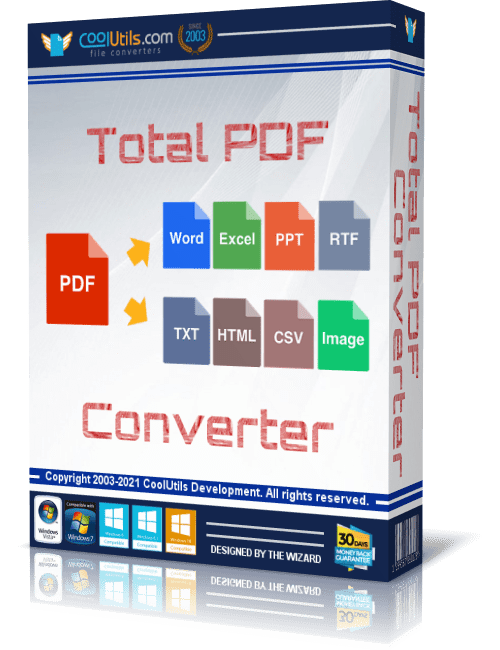
Free Download Coolutils Total PDF Converter 6.5.0.184 Multilingual Portable | Windows x64 | File size: 96.40 MB
Coolutils Total PDF Converter Portable is a document conversion application designed to transform PDF files into various editable document formats, images, and archive-ready standards. The Portable edition provides a flexible way to process documents while maintaining a convenient deployment format.
The software supports batch conversion workflows, allowing users to process multiple PDF files at once while preserving folder structures and organizing converted output efficiently. It is suitable for professionals, businesses, and users who need to convert, split, merge, or prepare PDF documents for different purposes.
With support for command-line operations, preview tools, and extensive output options, Total PDF Converter provides a practical environment for handling large document conversion tasks.
Software OverviewCoolutils Total PDF Converter converts PDF and related document formats into editable files, images, and PDF standards. The application supports conversions to DOC, DOCX, RTF, XLS, HTML, EPS, PS, TXT, CSV, PDF/A, and multiple image formats.
The software includes batch processing features, document splitting, page extraction, merging tools, watermark options, and customization settings for output documents. Its interface is designed to simplify PDF processing for both beginners and advanced users.
Key Features
- Batch conversion of PDF documents.
- Converts PDF files to DOC, DOCX, RTF, XLS, HTML, EPS, PS, TXT, CSV, PDF/A, and image formats.
- Supports PDF, PS, EPS, PRN, XPS, and OXPS input files.
- Extracts selected pages from multi-page PDF documents.
- Splits PDF files by pages, bookmarks, or blank pages.
- Combines multiple PDF files into a single document.
- Converts PDF pages into image formats including JPG, PNG, TIFF, and others.
- Provides document preview with zoom controls.
- Supports text and image watermarks.
- Offers command-line support for automated processing.
The Portable edition provides additional flexibility for users who need a convenient document conversion tool that can be used in different Windows environments.
What's NewOfficial site does not provide any info about changes in this version.
System RequirementsWindows 7/8/10/11 x64 only
Frequently Asked Questions
What is Coolutils Total PDF Converter used for?It is used to convert PDF documents into editable formats, images, and other supported file types.
Does Total PDF Converter support batch conversion?Yes. The software can process multiple PDF files in batch operations.
Can Total PDF Converter be used from the command line?Yes. The application supports command-line operations for automated document processing.
Home Page
Code:
https://www.coolutils.com- Software Name: Coolutils Total PDF Converter
- Version: 6.5.0.184
- Architecture: x64
- Languages: Multilingual
- License type: Portable
- File Size: 96.40 MB
Recommend Download Link Hight Speed | Please Say Thanks Keep Topic Live
Rapidgator-->Click Link PeepLink Below Here Contains Rapidgator
Coolutils_Total_PDF_Converter_6.5.0.184_Portable.rar.html
UploadCloud
Coolutils_Total_PDF_Converter_6.5.0.184_Portable.rar.html
DDownload
Coolutils_Total_PDF_Converter_6.5.0.184_Portable.rar
FreeDL
Coolutils_Total_PDF_Converter_6.5.0.184_Portable.rar.html
Links are Interchangeable - No Password - Single Extraction